

Printer Guide Maintenance: Record an Image Loading Failure
2026-11-01
Printer Guide Maintenance: Record an Image Loading Failure
A missing illustration in a printer support guide can interrupt a reader's work without showing that the printer itself has failed. The maintenance record needs to identify the webpage problem precisely. A broken image icon, a successful request status and a readable picture are not interchangeable observations. This article develops a hypothetical documentation incident and does not report an actual printer defect or a repair outcome.
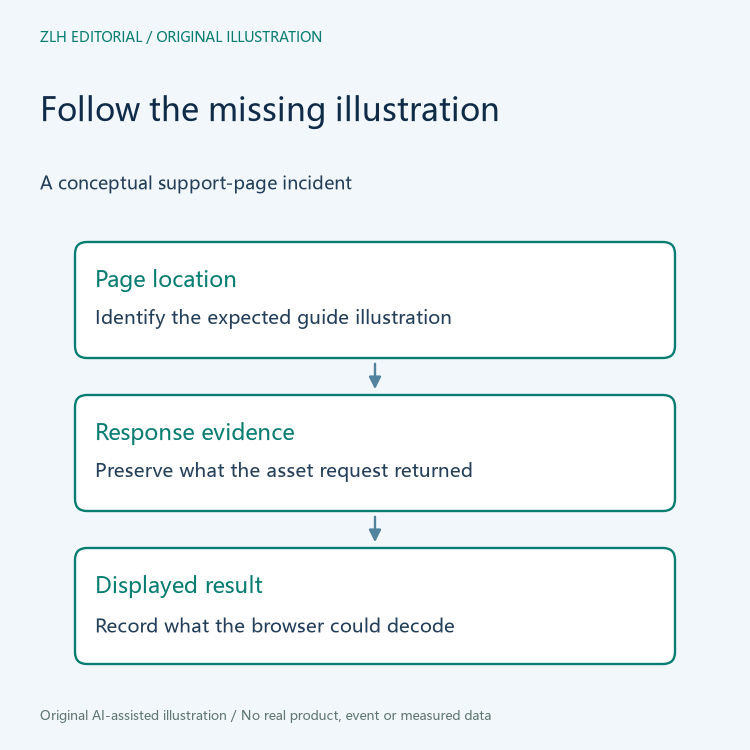
Locate the guide and the illustration that the reader expected
Start with the support page, the position of the illustration and the surrounding instruction it was meant to clarify. A report that says only “the manual is broken” makes it difficult for the maintainer to identify the affected asset. Preserve the page reference and its relevant revision where that information is available, while keeping any customer or account details outside the shared note.
For the fictional guide, imagine that an explanatory diagram is replaced by a broken image symbol. Record that visible result before deciding whether the file disappeared, a link changed or a browser could not decode the response. Those are possible explanations rather than established facts. The initial record can remain useful even when the root cause is still unknown.
Keep the requested asset separate from the response description
RFC 9110 describes Content-Type as identifying the media type of the associated representation. This makes the response description relevant when a supposed image request returns something unexpected. A successful status alone does not describe whether the received material is the intended illustration.
The maintenance note can therefore distinguish the image address recorded in the page from the response information captured by an authorized investigator. If the response turns out to be another kind of content, preserve that observation without guessing which component produced it. The address extension and the received representation should not be made to agree by editing the note after the fact.
Browser decoding is another observable stage
The WHATWG HTML image specification distinguishes available image data from a broken request state in which the user agent cannot decode enough data to obtain dimensions. This supports recording what the browser could actually display. It does not diagnose a specific site or guarantee that one browser's result describes every environment.
If the fictional investigator has only a request log, the browser's display result may remain unknown. If there is only a screenshot, the received bytes may remain unknown. Record those gaps explicitly. Combining a screenshot from one page revision with a request record from another can create an apparently complete account that never described a single observation.
A useful evidence entry identifies the relevant page, the requested asset and the observed display under the stated conditions. Actual response details can be attached by the responsible maintainer. This article does not fetch an unknown customer attachment, reproduce a private document or alter a printer support website.
Distinguish a restored illustration from a completed investigation
Suppose a maintainer later supplies a replacement image and the guide displays it. The follow-up note should identify the changed asset and the observed page result. It should retain the original failure description as well. A restored picture may resolve the reader's immediate documentation problem without establishing exactly why the earlier material failed.
When reviewing the replacement, check whether it illustrates the same instruction and whether its visible explanation remains accurate. A different but readable diagram should not silently become proof that the original illustration was recovered. If the support instruction itself was revised, keep that editorial change separate from the technical fact that an image now loads.
The reader-facing follow-up should identify the exact documentation gap that was resolved. If the replacement makes a previously unreadable step understandable, state which step was checked. If only the file loading was observed, keep the instructional accuracy question open. This prevents a technical restoration notice from being mistaken for a completed review of every instruction in the guide, while preserving a useful record of the immediate improvement.
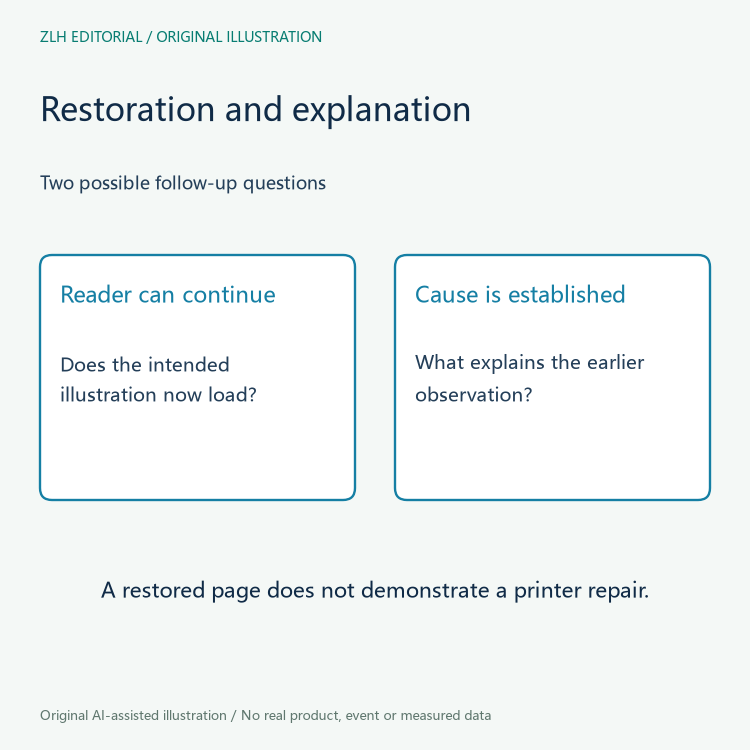
A maintenance summary can state which illustration was missing, which stages were actually observed and what the follow-up resolved. It should list any unexamined response or decoding stage. Do not conclude from a repaired webpage that a printer's physical problem was corrected, that a support procedure was performed or that a customer achieved a particular print result.
The original figures show a conceptual web documentation trail rather than a real support screenshot or an image test. Further material is available in the printer support documentation section and the article index. Keeping the request, representation and display result distinct gives the next maintainer a clearer starting point than a broad statement that the manual failed.


